
01
Create placesthat matter.
Drop a pin, choose the boundary, and give the place a name that means something to you.

 Ankom
AnkomPrivate location updates for iPhone
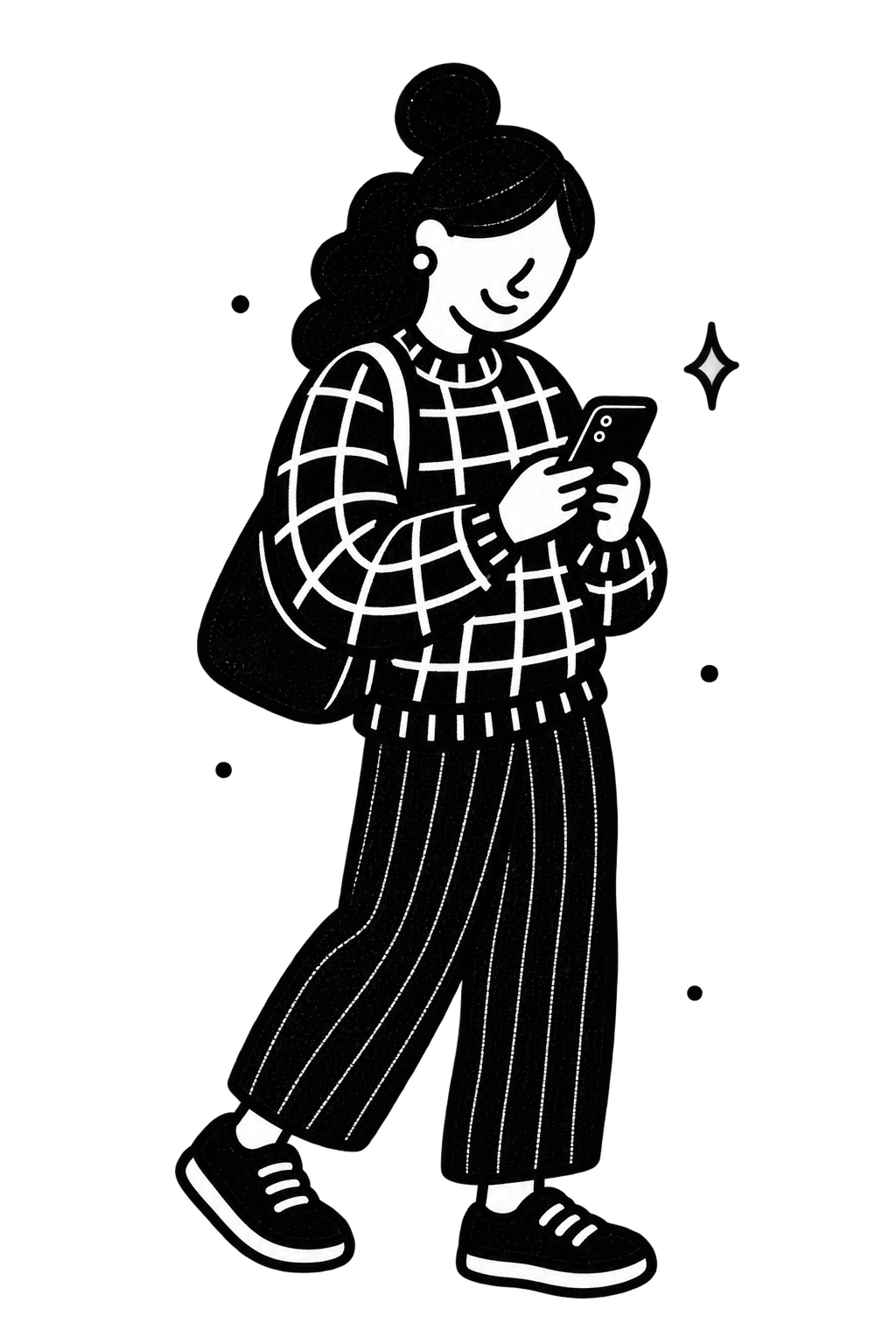
You set the places that matter. Ankom will automatically notify the people you choose when you arrive or leave. Never sharing your live location.
 Coming soon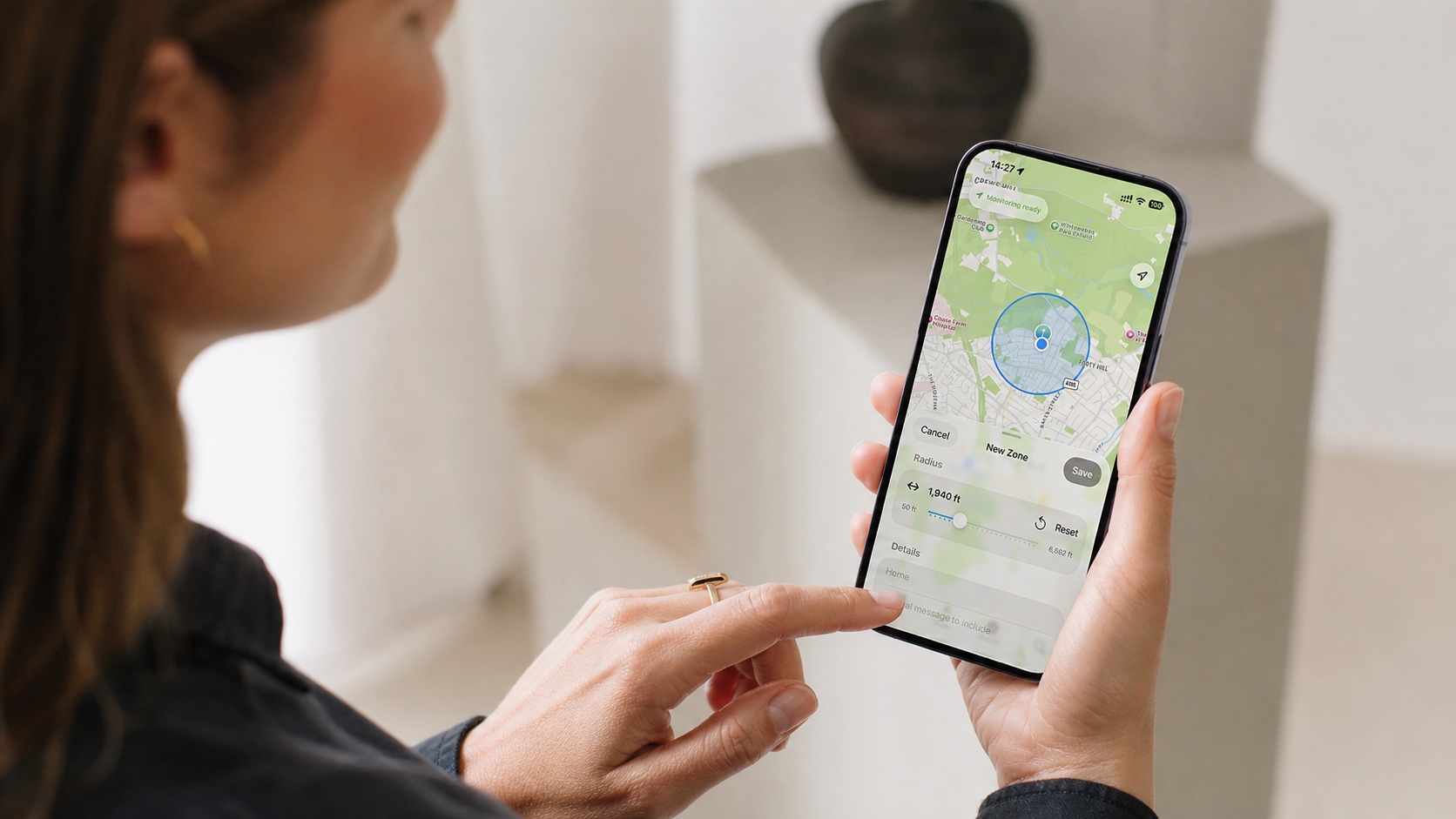
How it works
Ankom turns the places in your life into simple, private moments. No constant checking in. No live map of someone’s day.
Drop a pin, choose the boundary, and give the place a name that means something to you.
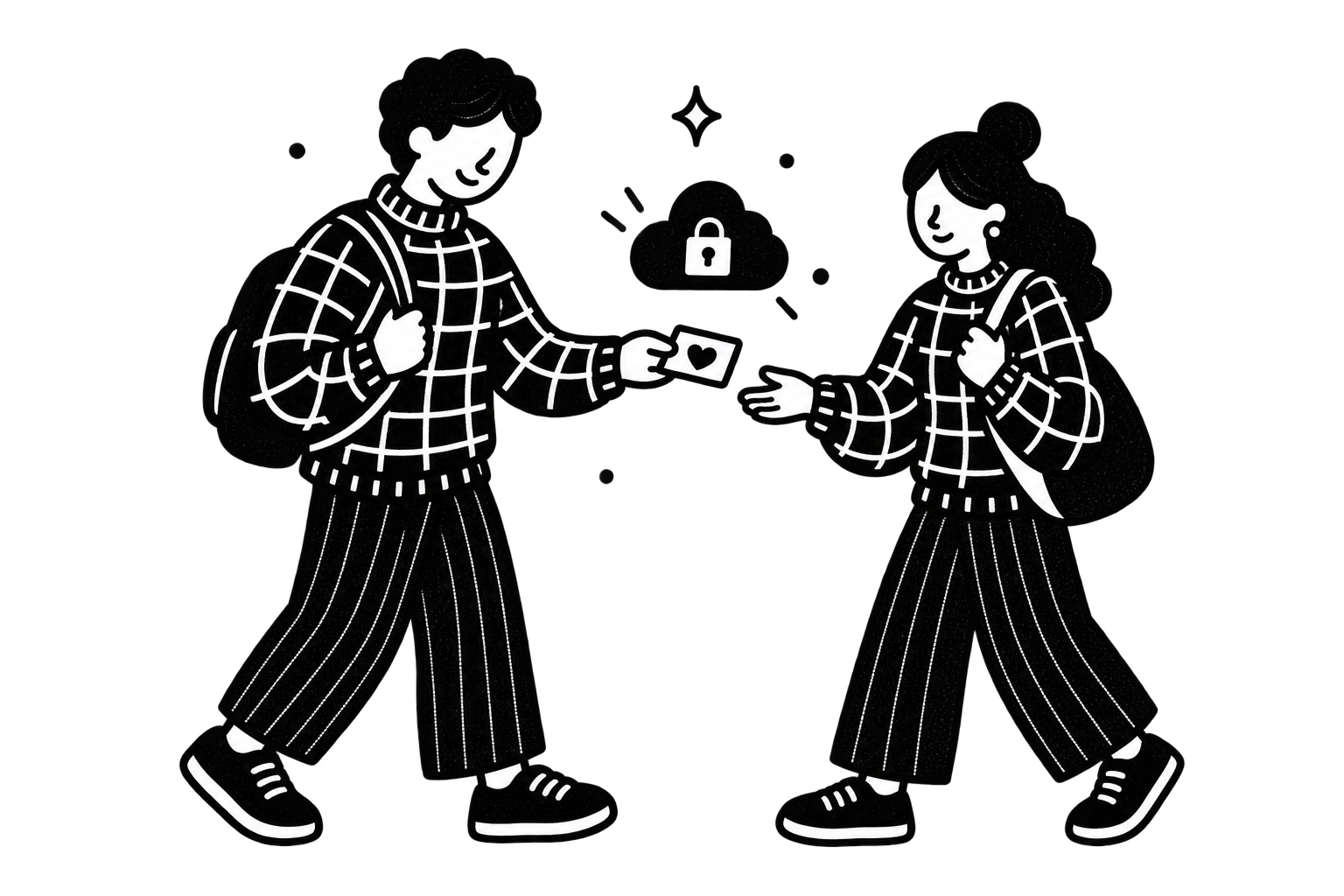
Invite trusted people through iCloud and stay in control of every shared place.

Choose entry, exit, once, or every time. Ankom sends the message you set.
Dad has arrived at Home
nowPrivacy by design
Ankom is designed to tell the people you choose about a specific arrival or departure—not to broadcast your live location. Your places are stored with iCloud and shared through Apple’s private CloudKit sharing.
Read our privacy approachFrequently asked questions
Ankom is Swedish and means “arrived” or“came/arrived.” It’s the past tense of ankomma, meaning “to arrive.”
Ankom is an iPhone app that sends a simple notification when someone arrives at or leaves a chosen place. It provides reassurance without requiring anyone to share their live location continuously.
No. Ankom monitors the boundaries of places you create, such as home, school, or work. It shares an arrival or departure update only when one of those boundaries is crossed—not a live map of your movements.
You decide who can access each place. Places are shared privately through iCloud with the people you invite, and you can change or remove their access whenever you choose.
Yes. Ankom uses Apple’s background location monitoring to detect arrivals and departures when the app isn’t open. For reliable alerts, allow Ankom to use your location Always in iPhone Settings and keep notifications enabled.
Yes. Each place can send an alert on arrival, departure, or both. You can also choose whether an alert should happen only once or every time the boundary is crossed.
Yes. Recipients can mute notifications from a shared place without leaving it. The owner can also pause notifications for individual recipients when an update is not needed.
Ankom is designed exclusively for iPhone and uses private iCloud sharing. Anyone creating, sharing, or accepting a place will need Ankom installed and must be signed into iCloud.
Ankom relies on Apple’s location services and geofencing technology. Alerts are designed for meaningful places rather than exact doorstep-level tracking, and timing can vary with the selected radius, signal conditions, device settings, and iOS background activity.
Built for iPhone
Ankom is in development. Follow along as we prepare for launch.
Coming soon